
Reducing Return Visits Through Better CCTV Planning
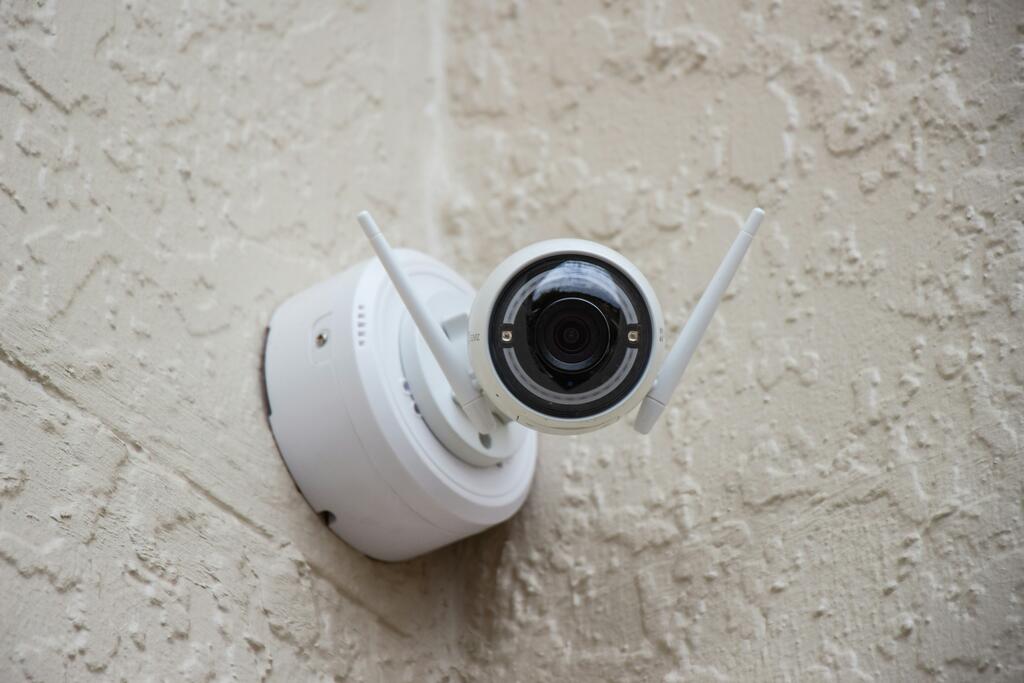
Return visits are where profits quietly disappear. You’ve done the install, the system is recording, and everyone’s happy… until the phone rings. “The picture’s too dark.” “Playback is laggy.” “We can’t find the clip.” “Remote access stopped working.” Most of the time, it’s not a product problem — it’s a planning problem.
In the UK, even a short call-out can chew through your margin once you add travel time, parking, and the fact you’ve lost a slot you could’ve used for a new job. Typical trade rates make that reality pretty obvious.
The fix isn’t “work harder on site”. It’s planning the job so the install is right first time, and the handover doesn’t leave any loose ends.
1) Start with the outcome, not the kit list
Before you spec anything, get crystal clear on what the customer actually needs the system to do.
Ask questions like:
“What do you need to see — faces, number plates, cash handling, stock movement, staff safety?”
“When do incidents happen most — daytime, evenings, overnight?”
“Are you trying to deter or just record for evidence?”
“Who needs access — owner only, managers, a monitoring station?”
This is where you decide whether standard External CCTV Cameras will do the job, or whether you need specialist options like License Plate Recognition Cameras for vehicle evidence, or Active Deterrence Cameras where prevention matters.
If you start with “16 channels and 8MP”, you’ll end up revisiting when the real-world use doesn’t match the spec.
2) Do a proper site walk and plan coverage like a grid
Return visits often come from 2 things: blind spots and unrealistic expectations.
When you walk the site:
Mark entry/exit routes, pinch points, and high-value areas
Identify backlighting risks (loading bays, glass entrances, car park floodlights)
Note mounting heights and cable routes
Check where ladders/lifts will be needed (because access affects future maintenance)
Then plan coverage like a grid:
Overview cameras for general movement
Identification cameras for faces at doors/gates
Task cameras for tills, stock rooms, or high-risk handling areas
This makes it easier to choose the right IP CCTV Cameras for each zone, rather than trying to make 1 camera type do everything.
3) Don’t let lighting be an afterthought
“Camera looks great in the day, terrible at night” is one of the most common call-out triggers.
If you’re relying on IR, be realistic about:
reflective surfaces (white walls, signage, shiny floors)
spider webs and rain glare
the actual distance needed for usable detail
If the customer expects colour at night, plan for it upfront with something like Colourvision or active deterrence lighting where appropriate.
And if you’re covering a wide area that customers will constantly ask to “zoom in on”, save yourself the future arguments by specifying IP PTZ Speed Domes where they genuinely fit.
4) Power and network planning: where most “mystery faults” live
If you want fewer return visits, treat power and network as part of the CCTV system — not “someone else’s problem”.
PoE budgets and cable runs
Under-specced switching causes random dropouts, reboot loops, and “camera offline” complaints. Plan:
total PoE wattage required (not just port count)
headroom for cold starts and IR/white light switching
cable distances (and whether you need long-range modes)
Use CCTV-focused POE Switches that suit the site, and don’t forget proper termination and testing tools from CCTV Connectors & Tools.
Power supplies still matter
Even on PoE jobs, you’ll hit edge cases: gates, long runs, comms cabinets, third-party kit. If the power isn’t clean and stable, you’ll be back. Keep the right Power Supplies in the plan so you’re not bodging on the day.
5) Storage planning: stop getting the “we’ve lost the footage” call
Nothing kills trust faster than missing footage. And it’s usually caused by poor storage maths or the wrong settings.
When you plan retention, lock down:
target retention days (and get it written down)
resolution, FPS, codec, and whether audio is enabled
motion vs continuous recording (and how sensitive motion needs to be)
Then spec the recorder and drives properly:
the right recorder from IP CCTV NVRs
surveillance-rated storage from Surveillance Hard Drives
Customers also underestimate how quickly higher resolutions eat storage. If they’re pushing for “max quality everywhere”, show them the trade-off: more quality usually means more storage cost (and in the UK, that cost adds up quickly once you include supply, install, and VAT).
6) Spec for maintenance access, not just today’s install
A well-installed system can still become a return-visit magnet if basic maintenance is awkward.
Plan for:
sensible mounting heights (high enough for vandal resistance, low enough for service access)
weatherproof junctions and tidy containment
spare capacity in the cabinet for future expansion
labelled ports, labelled cameras, labelled power
You can reduce future “small parts” trips by making sure you’ve included the right Extra Accessories from day 1 — brackets, bases, junction boxes, glands, and the bits that stop water ingress and cable strain.
7) Match the camera type to the environment
This sounds obvious, but it’s a huge source of return visits when it’s overlooked.
Examples:
Warehouses often need a mix of Internal CCTV Cameras plus targeted identification points at doors.
Retail sites increasingly want clear evidence because theft remains a major problem in the UK.
Car parks and entrances might need LPR/ANPR, not a standard wide-angle camera.
A camera that’s “good on paper” can still fail in the real world if it’s the wrong tool for the job.
8) Reduce “user error” with a better handover
A lot of call-outs aren’t technical faults. They’re customers not knowing how to use the system.
A strong handover saves you visits:
create a simple camera naming plan (“Front Door ID”, “Till Close-Up”, “Loading Bay Overview”)
show them how to export footage properly
set up user permissions (not everyone needs admin)
confirm remote access is working on their phone before you leave
agree what “success” looks like (and what the system can’t do)
If they’ll be monitoring locally, a decent display setup helps too — point them at CCTV Monitors that suit the environment (office, back room, reception).
9) Use a pre-commission checklist every single time
This is boring — and it works.
Before you leave site, tick off:
every camera focused and aimed for the agreed outcome
night performance checked (even if it’s a quick test)
recording confirmed on all channels
playback tested on the NVR and remotely
timestamps correct
motion zones and notifications tested (if enabled)
cables dressed, glands sealed, cabinets labelled
It’s amazing how many repeat visits disappear when you treat commissioning like a process, not an afterthought.
Final thought: planning is the cheapest part of the job
Good planning costs minutes. Return visits cost hours — and in UK labour terms, that’s real money.
If you want fewer call-backs, plan the outcome, plan the environment (especially lighting), plan the power/network, and plan the storage. Then hand over properly and commission like you mean it.
Next steps
If you want to reduce return visits on your next install, build your kit list around the site — not the other way round. Start with the right core categories like IP CCTV Cameras, match them with stable recording from IP CCTV NVRs, and don’t forget the install-critical bits like POE Switches and Surveillance Hard Drives. If you want a second pair of eyes on a spec before you order, speak to FVS CCTV and get the plan tightened up before the job hits the site.