
PoE power budgeting for IP CCTV: how to spec switches properly and avoid mid-install surprises part 1
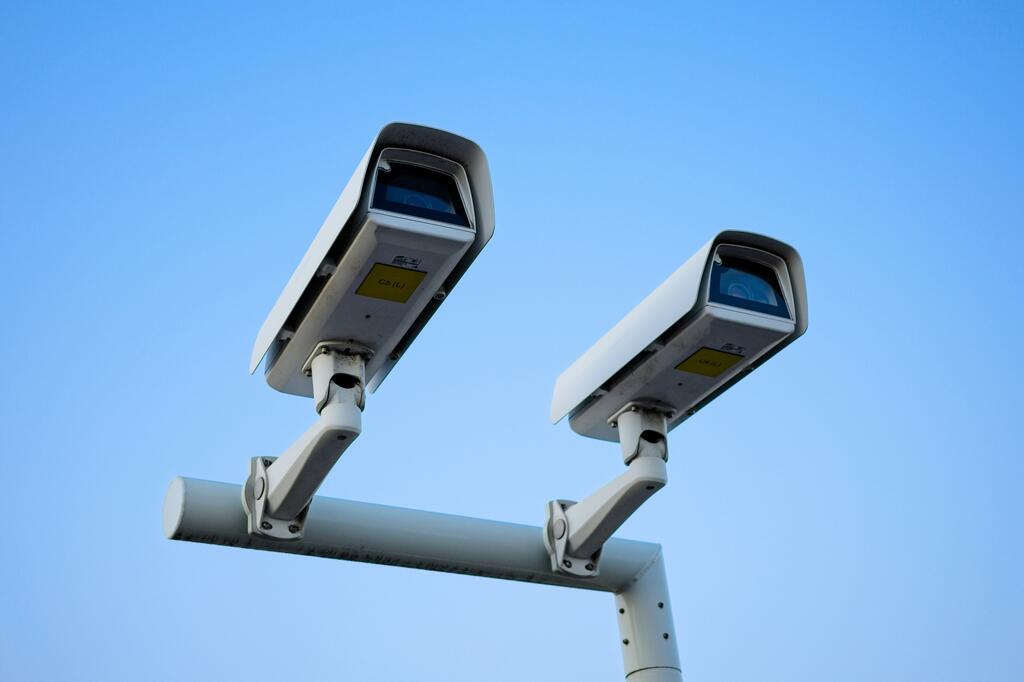
If you install IP CCTV regularly, you already know that PoE can make a job cleaner, faster and easier to manage. One cable for power and data is great in theory. In practice, though, PoE problems still catch people out all the time.
Usually, it is not because the switch is faulty. It is because the switch was never properly specified in the first place.
That is where power budgeting matters.
A lot of installers still choose a switch by port count first and ask questions later. An 8-port PoE switch sounds right for 8 cameras. A 16-port switch sounds right for 16 cameras. But PoE does not work like that. The real question is not just how many ports you have.
It is how much power the switch can actually deliver across those ports, how much each camera really needs, and how much headroom you have left once the system is live. IEEE PoE standards range from 802.3af through to 802.3bt, with higher-power versions allowing much more power to the powered device, while switch platforms actively track and manage their available power budget.
Get this wrong, and you can end up with a system that looks fine on paper but starts misbehaving the moment everything is connected. Cameras reboot. IR cuts in and power demand jumps. PTZs stop behaving properly. Add a new camera later and suddenly something else drops offline. That is exactly the kind of mid-install surprise you want to avoid.
Start with the real load, not the camera count
The first mistake is assuming every IP camera draws the same amount of power.
They do not.
A small fixed turret might sit comfortably in standard PoE territory. A varifocal camera with heaters, built-in audio, white light, analytics or active deterrence features may need more. A PTZ will usually need more again, especially if it has IR, tracking or long-range zoom.
The same goes for specialist devices such as ANPR cameras, which can have a very different power profile compared with a basic fixed camera.
That is why the starting point should always be the powered device requirement, not the switch brochure headline.
If your cameras are a mix of types, you need to total the expected demand properly. On a typical job, that means checking every camera model individually and noting the stated maximum draw rather than guessing from a similar product.
FVS CCTV’s own product categories show the range involved, from standard IP CCTV cameras and broader IP CCTV Cameras through to Active Deterrence Cameras, IP PTZ Speed Domes and License Plate Recognition Cameras, all of which can place very different demands on a PoE switch.
Understand the difference between PoE per port and total switch budget
This is the bit that causes the most trouble.
A switch may advertise PoE+, long-distance PoE or even high-wattage ports, but that does not mean every port can run at maximum output at the same time. The switch still has an overall power budget, and once you hit it, something has to give.
Cisco’s documentation is very clear on this point: the switch tracks its available PoE budget and only grants power when it is available.
So if you have an 8-port switch with a total PoE budget of 120W, that does not mean you can just connect 8 devices and forget about it. If each device draws 15W, you are already at the limit. If one or 2 devices pull more at night or during active events, you have a problem.
This is why experienced installers do not specify only the expected day-one load. They spec to the real-world maximum and keep sensible headroom.
As a rule, you want the switch budget to cover:
the maximum draw of every connected PoE device
any temporary power spikes
future add-ons where possible
a sensible safety margin so the switch is not permanently working at the edge
That safety margin matters more than people think. A system that sits close to the ceiling may still power up on the bench, but site conditions are rarely as tidy as the test table.
Do not use average power draw as your only number
Manufacturers often publish typical power use and maximum power use. If you only design around the typical figure, you are gambling.
That gamble usually goes wrong when cameras switch modes. IR turns on. White light comes in. A PTZ starts moving. Audio, analytics or deterrent functions kick in. Cold weather can also change the picture on some equipment.
For budgeting, maximum draw is the safer number.
That does not mean you need to massively overspec every single job. It just means you should avoid building a system that only works if every device behaves in the most optimistic possible way.
A cleaner approach is to break the spec down like this:
Build your PoE budget in 4 steps
1. List every powered device
Start with every camera and every other PoE endpoint on the network. That might include:
Fixed dome or turret cameras
Bullet cameras
PTZs
ANPR cameras
Wireless bridges
Intercoms
PoE-powered access devices
If it is drawing from the switch, it goes in the list.
2. Record the maximum wattage for each device
Use the product spec, not your memory. Even within the same range, one model may be fine on standard PoE while another needs PoE+ or better.
3. Add the totals together
Once you have the total device load, compare it against the switch’s true PoE budget, not just the per-port rating.
4. Add headroom
A healthy margin gives you breathing room for commissioning, night-time operation, future changes and the odd surprise on site.
That is the difference between a neat handover and a call-back.
Remember cable distance still matters
PoE makes life easier, but it does not magically remove Ethernet distance limits. Standard structured copper Ethernet runs still work within the usual 100m channel limit, and multiple Cisco and Fluke references point to that 100m ceiling for predictable Ethernet performance and PoE delivery.
That matters for 2 reasons.
First, if the camera is too far from the switch, you are into extension strategies, additional switching or a redesign.
Second, longer runs can affect the real power available at the far end, especially when you are working with higher-power devices. So even when the maths looks acceptable at the switch, the cable path still has to be considered properly.
That is one reason cable choice should never be treated as an afterthought. If you are planning a new IP job, your Cable selection is part of the PoE conversation, not a separate one.
Final thought
PoE should simplify an IP CCTV install, not create risk halfway through it.
If you specify a switch only by port count, you are inviting trouble. If you spec it by real device load, overall power budget, cable distance and future headroom, you give yourself a much better chance of a smooth install and a reliable system.
That is the difference between a job that just turns on and a job that keeps working properly after handover.
If you are planning a new installation and want help matching the right POE Switches, IP CCTV NVRs, IP CCTV Cameras and Surveillance Hard Drives to the job, speak to FVS CCTV and get the system specified properly before installation day catches you out.